Ghost Data: How Temporary Files and Cache Quietly Preserve What You Thought You Erased
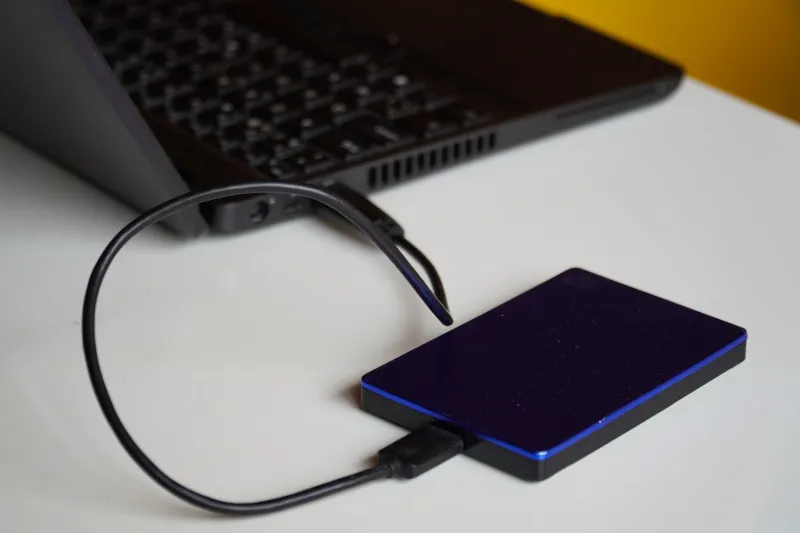
When most people think about data loss, they picture a catastrophic event — a failed hard drive, an accidental deletion, a ransomware attack. What they rarely consider is the quiet, persistent ecosystem of temporary files and cached data that operates in the background of every device they own. This shadow archive is simultaneously one of the most valuable tools in a data recovery professional's toolkit and one of the most significant privacy vulnerabilities facing everyday users.
Understanding both sides of this equation is not optional. Whether you are trying to recover something critical or preparing to hand off a device, what you do not know about temp files and cache can cost you dearly.
What Temporary Files and Cache Actually Are
Operating systems, browsers, and applications are constantly generating files that they intend to use briefly and discard. In practice, the discard rarely happens on schedule — or at all.
Temporary files, often stored in directories like C:\Windows\Temp on Windows or /tmp on macOS and Linux, are created during software installations, document editing sessions, file conversions, and system updates. They are designed to be transient, but system crashes, improper shutdowns, and simple software neglect leave them behind indefinitely.
Browser cache operates similarly but with even greater data density. When you visit a website, your browser downloads and stores local copies of images, scripts, stylesheets, and sometimes entire page structures. This is meant to accelerate future visits, but the practical result is a detailed, time-stamped record of your browsing activity stored directly on your device's storage medium.
Application cache extends this further. Programs like Microsoft Office, Adobe Creative Cloud, and Slack maintain their own temporary storage — draft versions of documents, thumbnail previews of files, and session data that can persist long after the original files have been deleted.
The Recovery Opportunity Hidden in Plain Sight
For individuals and organizations facing data loss, these overlooked repositories can be a lifeline.
Consider a common scenario: a user is editing a critical document, the application crashes, and the original file is corrupted or missing. Before investing in professional recovery services or assuming the work is gone, examining the application's temporary file directory often reveals an autosaved version. Microsoft Word's autorecover files, for instance, are stored separately from the working document and frequently survive application failures that destroy the primary file.
Browser cache presents similar opportunities. If a user was composing a lengthy email or filling out a complex web form when a browser crash occurred, cached data may contain recoverable fragments of that content. Images downloaded from websites, PDFs opened in-browser, and documents previewed through cloud services are frequently retained in cache directories for days or weeks after the session ends.
For recovery professionals, these locations are standard stops in any thorough investigation. When conventional file recovery from a storage device's allocation table comes up short, temporary directories and application cache folders often fill the gaps. The data is not always intact, and it is not always complete — but it is present far more often than most users expect.
What These Files Reveal About You
The same properties that make temporary files valuable for recovery make them deeply sensitive from a privacy standpoint.
A forensic examiner — or a sufficiently motivated private individual — who gains access to your device's temp files and cache can reconstruct a detailed portrait of your recent digital activity. Browser cache alone can expose which websites you visited, what images you viewed, and what documents you accessed online. Temporary files from productivity applications may contain drafts of sensitive communications, proprietary business documents, or personal financial records.
This is not a theoretical concern. In legal proceedings, digital forensic investigators routinely mine temporary file locations for evidence that principals believed had been deleted. In cases of corporate espionage, departing employees who believed they had covered their tracks have been implicated through cache and temp file analysis conducted on company hardware.
For private individuals, the risk is more immediate and perhaps more personal: the device you sell on eBay or donate to a local charity drive may contain far more recoverable personal data than you realize — even after a standard factory reset.
Why a Standard Reset Is Not Sufficient
This is one of the most consequential misconceptions in consumer technology. A factory reset on a smartphone or a simple reformatting of a hard drive does not erase data — it removes the index that tells the operating system where that data lives. The underlying information remains on the storage medium, accessible to anyone with basic recovery tools and the motivation to use them.
Temporary files and cache add another layer of complexity. Because these files are often stored in locations that reset procedures handle inconsistently, they can survive even processes that successfully wipe primary user data. On certain Android devices and older Windows systems, temp directories are explicitly excluded from factory reset routines.
Responsible Device Management: What to Do Before You Let a Device Go
If you are preparing to sell, donate, recycle, or otherwise transfer a device, the following steps represent a baseline for responsible data management.
Manually clear temporary file directories. On Windows, use the built-in Disk Cleanup utility or navigate directly to %temp% in the Run dialog and delete the contents. On macOS, temporary files in /private/var/folders can be addressed through third-party utilities or terminal commands. Do not rely on these processes alone.
Clear browser cache across all installed browsers. This includes not just Chrome or Safari, but any secondary browsers — Edge, Firefox, Brave — that may have been used infrequently. Each maintains its own independent cache directory.
Use dedicated secure erase software. Tools such as DBAN (Darik's Boot and Nuke) for traditional hard drives perform multiple overwrite passes that render data unrecoverable by standard means. For solid-state drives, manufacturer-provided secure erase utilities are generally more effective than third-party overwrite tools due to how SSDs manage data internally.
For mobile devices, encrypt before resetting. Enabling full-device encryption before performing a factory reset ensures that any residual data — including temp files and cache — is rendered cryptographically inaccessible even if it is not physically overwritten.
Consider professional data destruction for sensitive situations. Individuals handling medical records, legal documents, financial data, or proprietary business information should consult a certified data destruction service rather than relying on consumer-grade methods.
A Tool That Cuts Both Ways
Temporary files and cache occupy an unusual position in the data management landscape. They are neither fully intentional nor fully accidental — they exist because systems prioritize performance and resilience, and they persist because cleanup is an afterthought for most software and most users.
For someone in the middle of a data crisis, these overlooked corners of a device's storage architecture may hold the only surviving copy of something irreplaceable. For someone preparing to move on from a device, those same corners may hold information they cannot afford to leave behind.
The responsible path forward is the same in both cases: understand what these files are, where they live, and what they contain. Ignorance in either direction — assuming they hold nothing useful or assuming they have been automatically cleared — carries consequences that are difficult to reverse once a device has changed hands or a recovery window has closed.
At SOS File, we consistently find that the users best positioned to protect themselves and recover effectively are those who treat their devices not as black boxes, but as systems with knowable, manageable behavior. Temporary files and cache are a clear example of where that knowledge pays off.