When the Recovery Code Goes to a Stranger: Reclaiming Your Digital Life After a SIM Swap
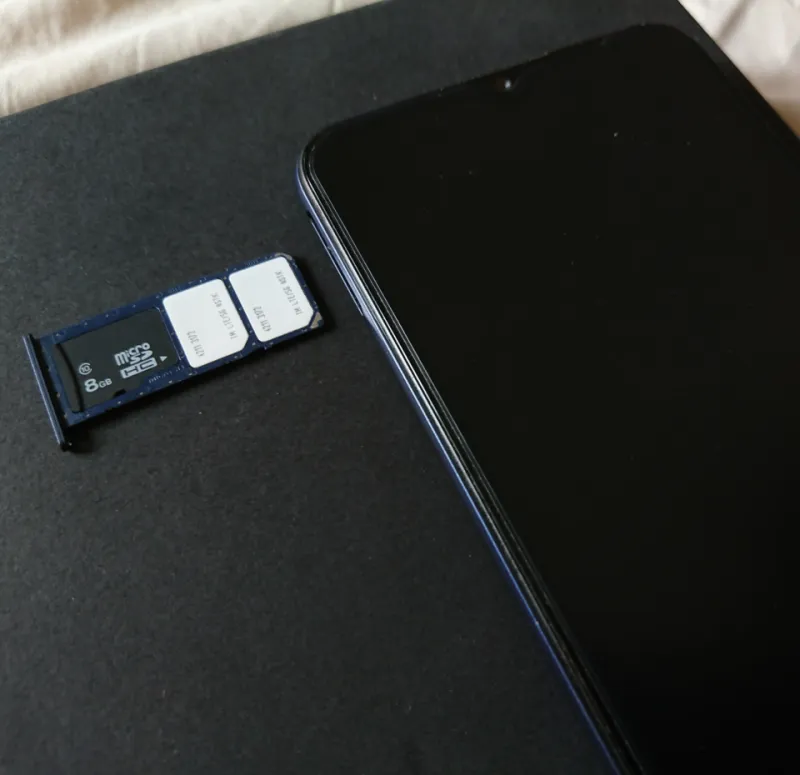
Photo: Paowee, CC BY-SA 4.0, via Wikimedia Commons
Your phone number is no longer just a contact detail. It is the recovery key for email, cloud storage, banking, and often payroll. When a SIM swap or number recycling event occurs, the thief does not need your password; the carrier hands over the authentication channel. The result can look like a billing dispute at first—no service, a sudden SOS mode—and become an account takeover within minutes. The response should be treated as a data recovery and identity protection event, not a customer-service annoyance.
The first 24 hours: contain the number, then the accounts
Start on a device that is not dependent on the hijacked number. Use Wi-Fi and a trusted laptop or tablet. If the phone still shows a carrier connection but calls and texts fail, contact the carrier from another line and ask for the fraud or account-takeover team, not general support. Request a port freeze, a SIM lock, and a written record of every change made to the account. Ask whether the number was ported to another carrier or whether a new SIM was activated on the existing account. Those are different events with different evidence trails.
While the carrier investigates, protect the financial accounts. Call banks and credit-card issuers, ask for a fraud alert on the accounts, and change passwords from the trusted device. Do not wait for a fraudulent charge to appear. Check email and cloud accounts for new forwarding rules, recovery addresses, and connected apps. Attackers often leave a quiet forwarding rule in place so they can keep reading mail after the victim regains the number.
Preserve evidence as you go. Take screenshots of the loss of service, carrier notifications, password-reset emails, and bank alerts. Note the time of each call and the name or ID of each representative. This record matters if the carrier later claims the swap was authorized or if an insurer or regulator asks for a timeline.
Regaining the master account without SMS
Email is usually the master key. If you can still open the mailbox on a trusted device, change the password immediately and revoke active sessions. Then replace the phone number in the recovery settings with a method the attacker does not control. If you are locked out, use the provider's account-recovery flow, but do not create a new account with the same name and hope to merge it later. Use recovery keys, backup codes, or a trusted device that is already signed in.
For Apple, Google, and Microsoft accounts, the recovery path depends on what was set up before the incident. A printed recovery key, a signed-in trusted device, or a hardware security key can short-circuit a lengthy identity review. If none exists, the provider may require government ID, a waiting period, or a recent device. Supply what is requested and keep copies of the submissions. The same logic applies to cloud storage: regain the email account first, then check the storage account's recovery settings and shared links.
What to demand from the carrier
The carrier is not automatically the villain, but it is the record keeper. Ask for the account's change history, the authentication method used for the swap, and the destination carrier or device if a port occurred. Demand that the number be restored to your account and that a port freeze remain in place until you release it. Ask for a PIN or account passcode that is not the last four digits of your Social Security number and not a birthday.
If the carrier refuses to provide records or reverses the swap without explanation, escalate. A written complaint to the carrier's executive response team, a complaint with the Federal Communications Commission, or a referral to the state attorney general can create a paper trail. These steps do not guarantee a remedy, but they often move a case from a call center script to an investigation.
Rebuilding a recovery system that does not depend on SMS
The long-term fix is to remove the phone number from the center of your security model. Use a hardware security key or an authenticator app for primary accounts. Print backup codes and store them with important documents, not in the same bag as the phone. Use a password manager with a strong master password and a recovery plan. Add a second email address that is not used for daily communication and is protected by the same strong methods.
Create a simple recovery matrix on paper: for each critical account, list the recovery method, the backup code location, and the trusted device. Review it twice a year. Keep a carrier account PIN and a port freeze in place. The goal is not perfect security; it is to ensure that a single lost number cannot become a single point of failure for your entire digital life.
SOS File's perspective is practical: recover access first, then rebuild the system that failed. A SIM swap is a warning that your recovery plan was thinner than you thought. Treat the warning as useful data.